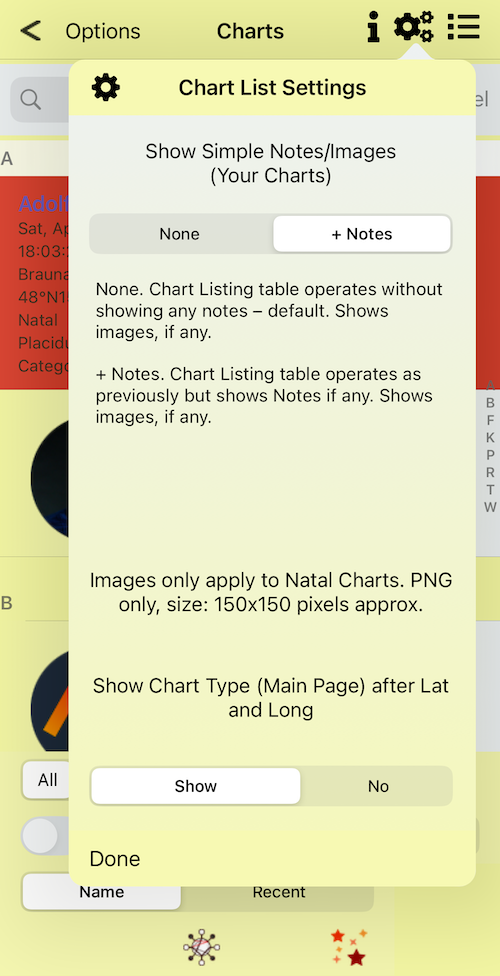

Import images into Your Charts List for Natal charts – iPhone only
Images should be approx 150×150 pixels – png files only
Each natal chart record can have its own image or not

Tap here – Your Charts
Swipe left and tap Import Image – opens Files app (Dropbox not required)

Swipe left and tap Import Image
Chart list with images – iPhone 15. Available for all iPhones.

Settings