

AC ver 4.0 – coming soon
Preferred use of AC on an iPad
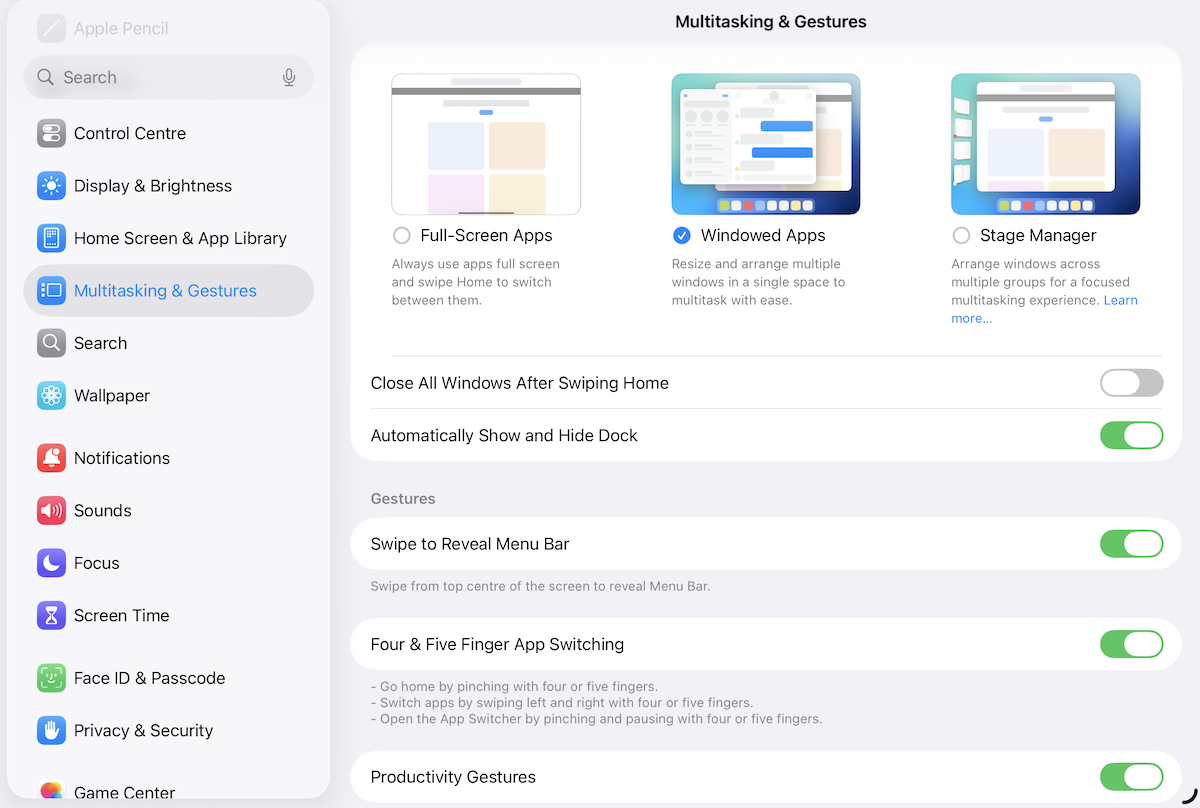
-
Full-Screen apps – recommended. You can use AC as you have previously by selecting this option. Landscape orientation recommended, portrait available.
-
Stage Manager. Landscape orientation recommended, portrait available.
-
Windowed – see screenshot above. Landscape orientation recommended, portrait available.
Portrait Orientation – some screenshots
Note that AC’s full landscape views cannot be viewed in portrait orientation.
iPad Pro 11″ iPadOS 26+, portrait
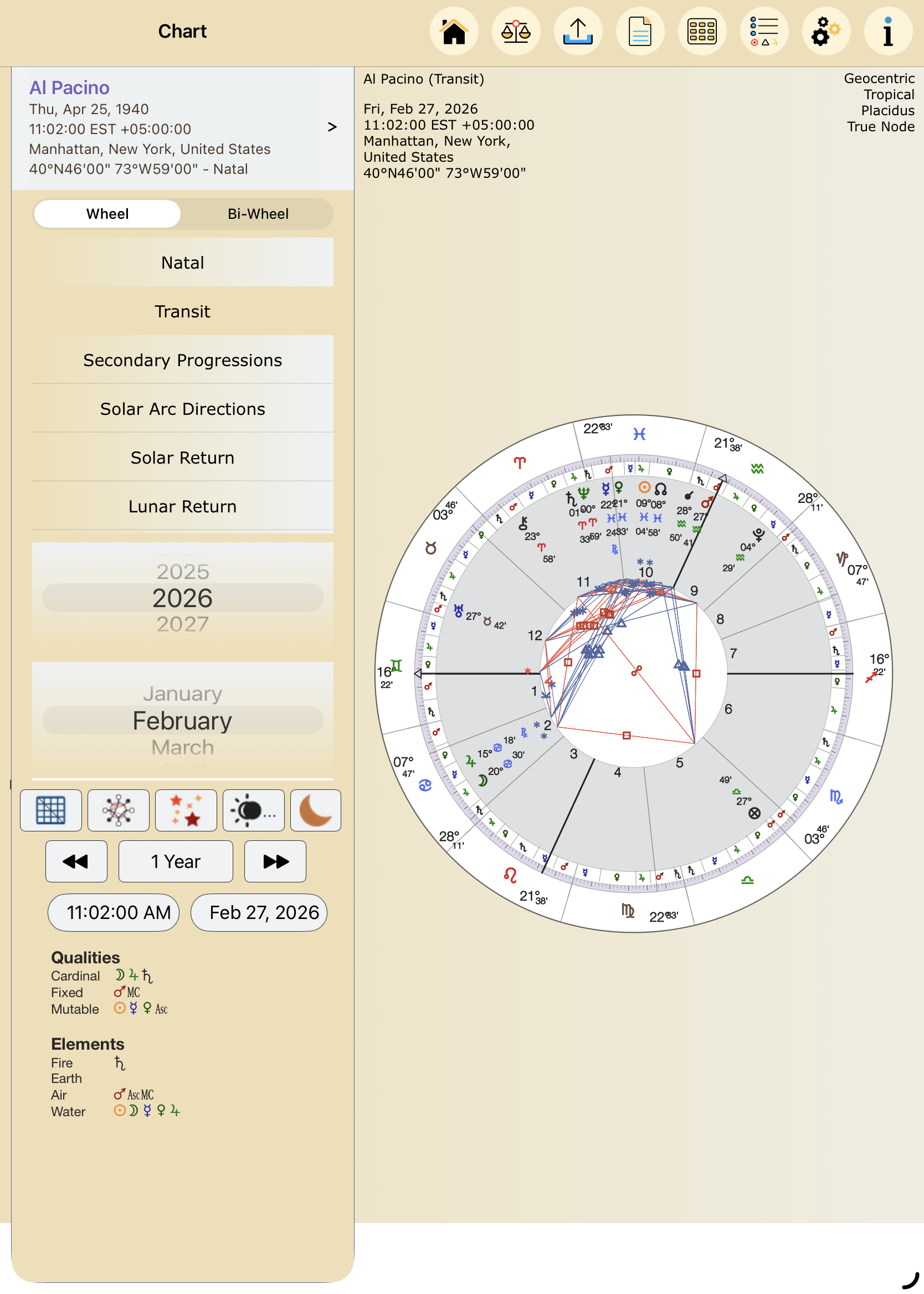
AC portrait orientation – iPad Pro 11″ iPadOS 26+
iPad 10.2″ – iPadOS 13-18+, portrait
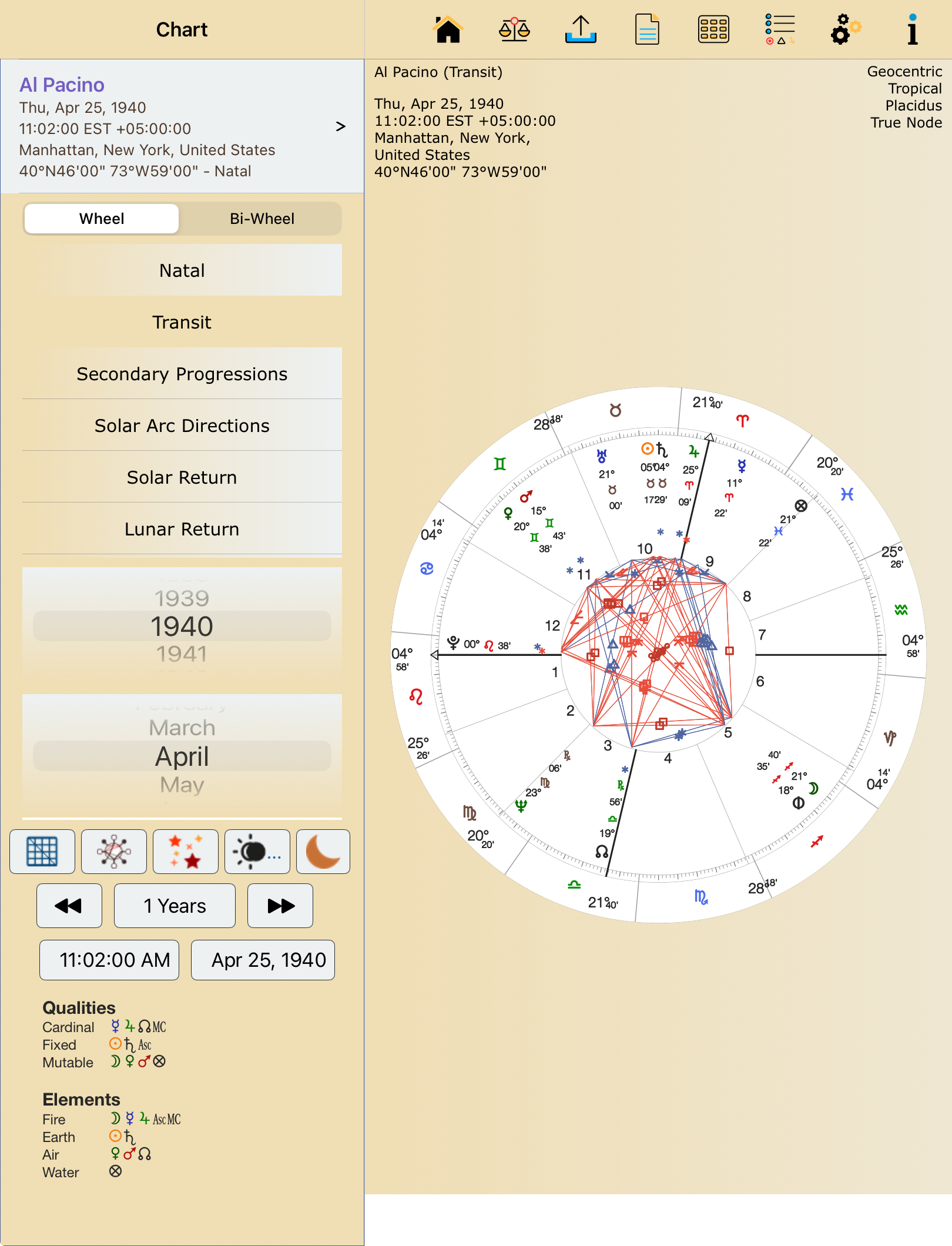
AC portrait orientation – iPadOS 13-18
Drop down menu difference – iPadOS 26+
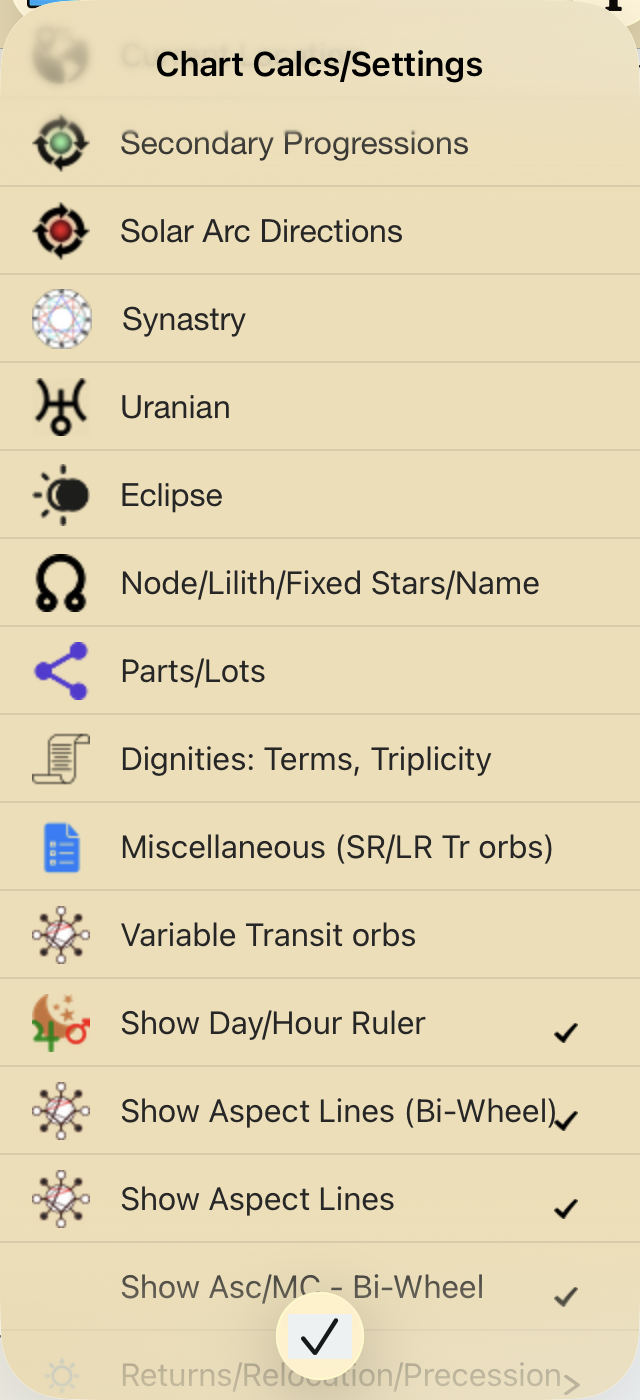
Drop down menu difference
iPad Pro 11″ iPadOS 26+, portrait

Portrait iPadOS 26+
iPad 10.2″ – iPadOS 13-18+, portrait

Portrait iPadOS 13-18+ Aspects
iPad Pro 11″ iPadOS 26+, portrait
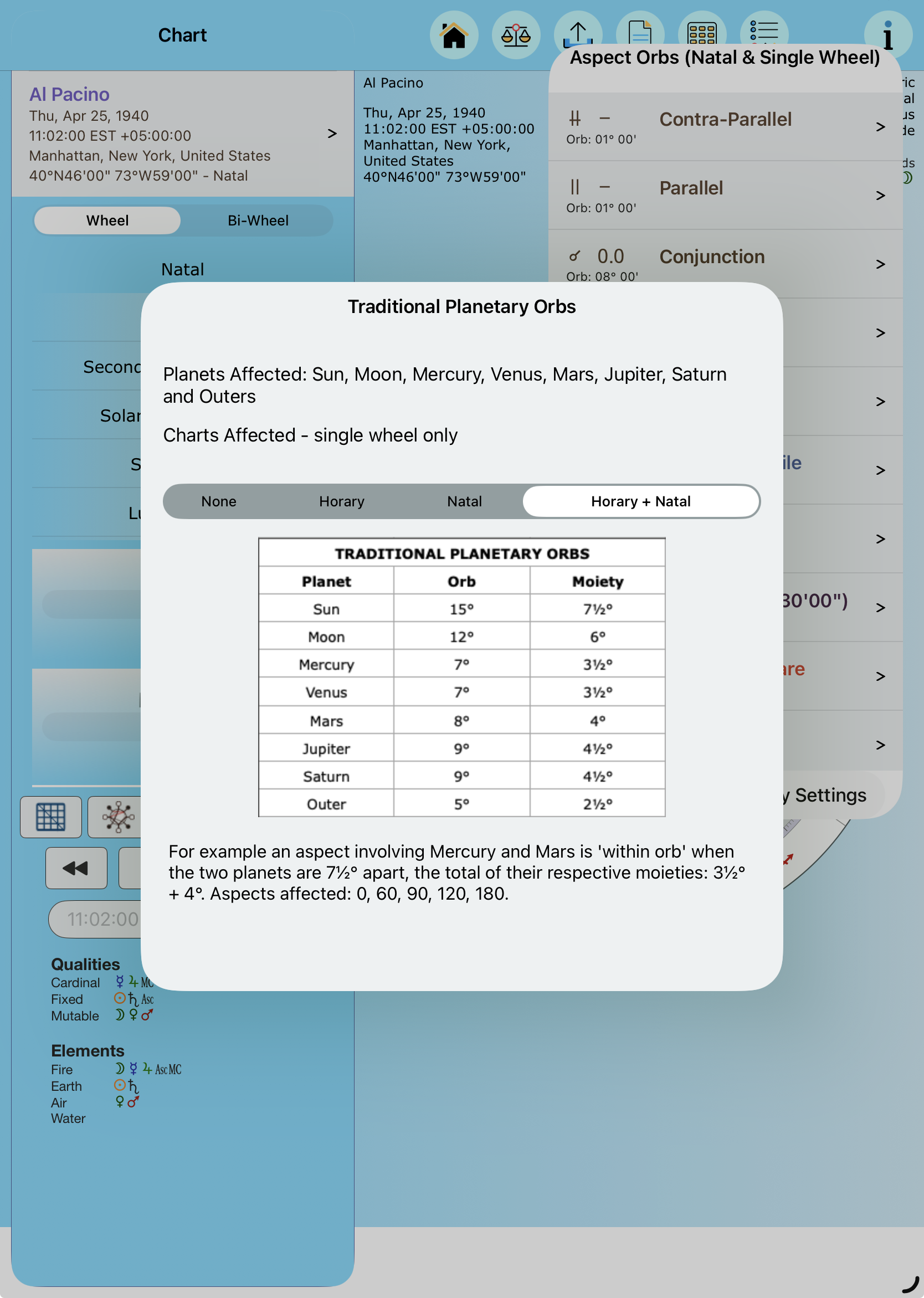
Portrait iPadOS 26+ Trad Orbs
iPad 10.2″ – iPadOS 13-18+, Portrait
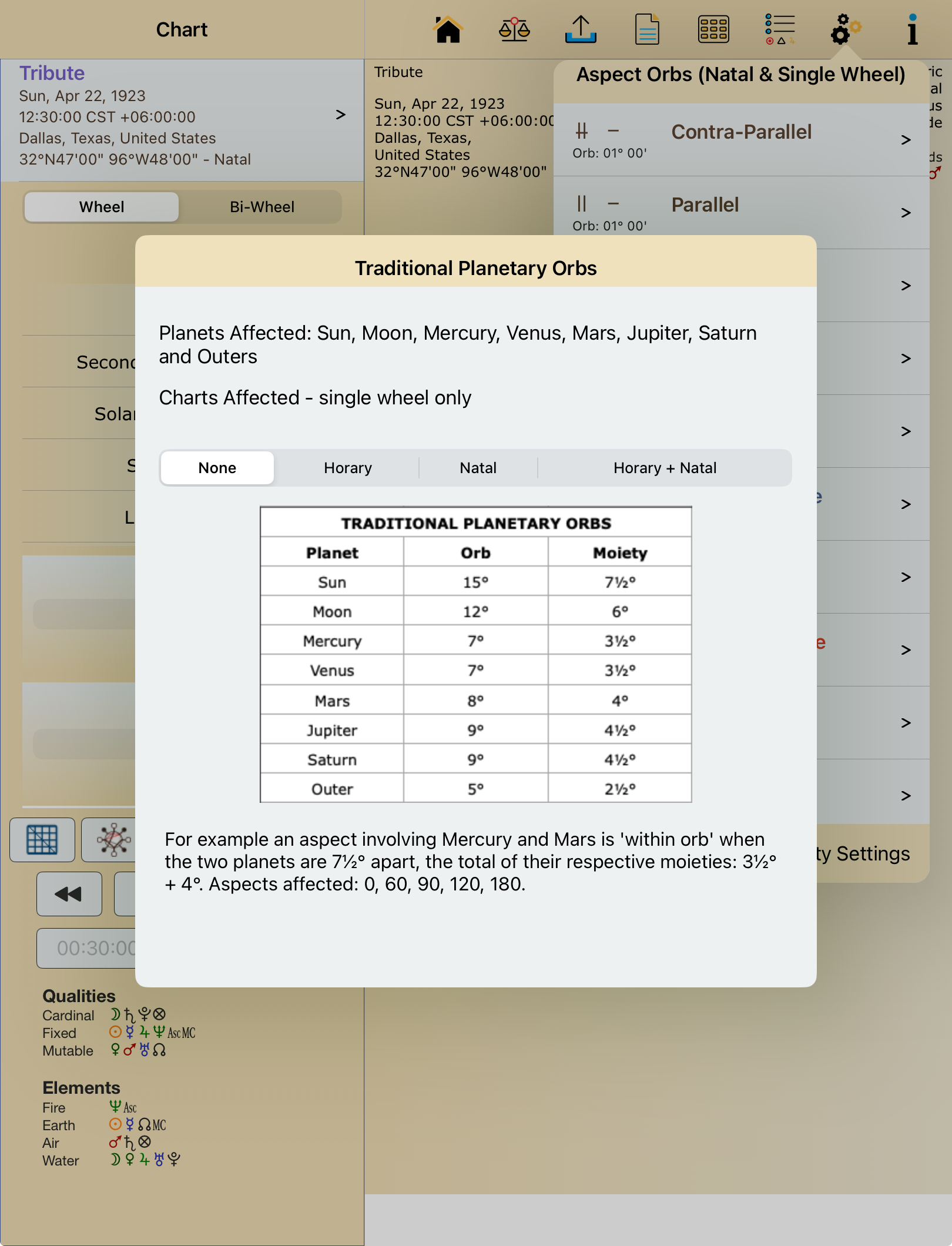
Portrait iPadOS 13-18 Trad Orbs
iPad Pro 12.9″ iPadOS 26+
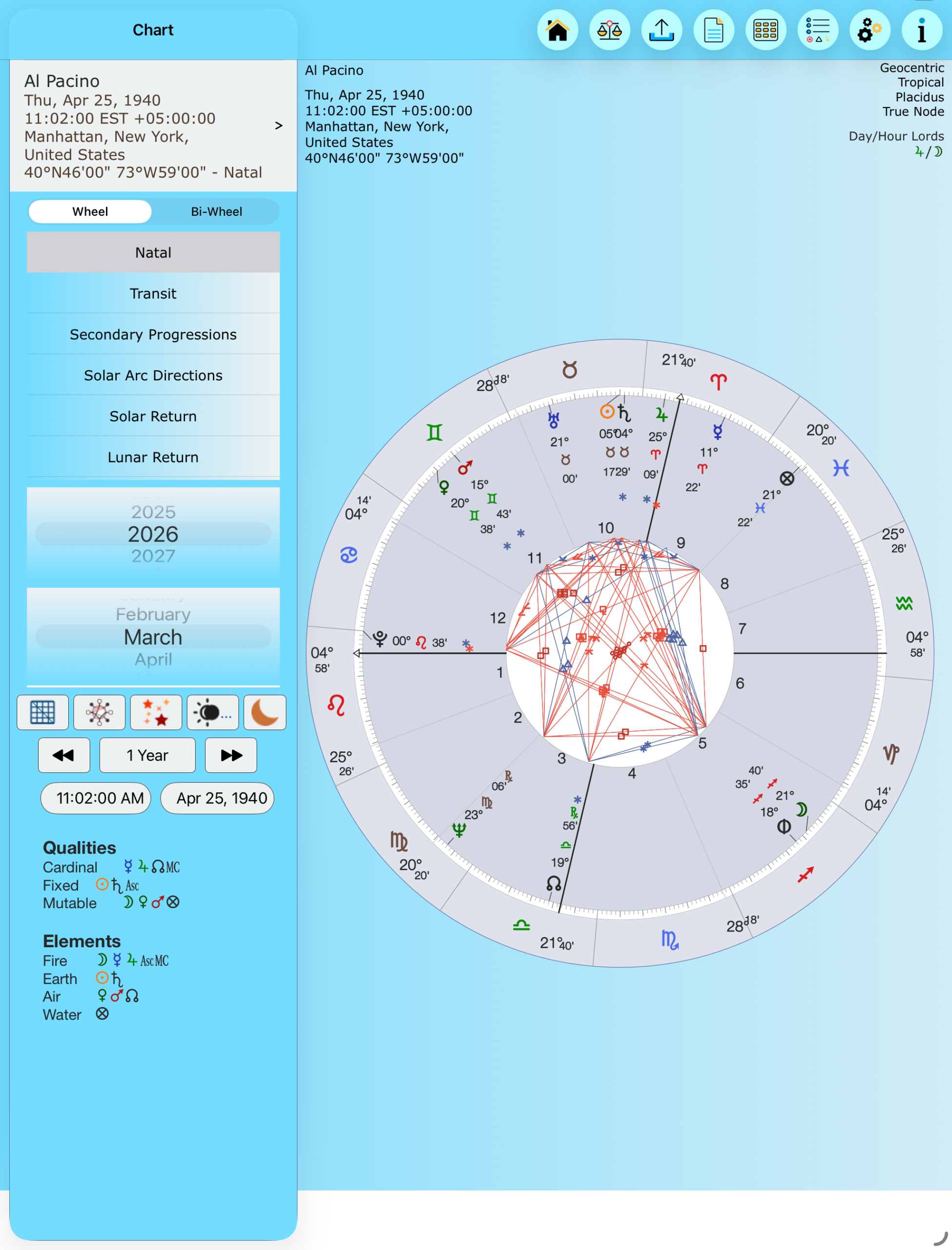
Portrait 12.9 inch iPadOS 26+
AC on an Mac
Windowed – exactly as above iPad screenshot (AC compiled with iPadOS 26). Portrait orientation is not applicable.
This does not exists any more
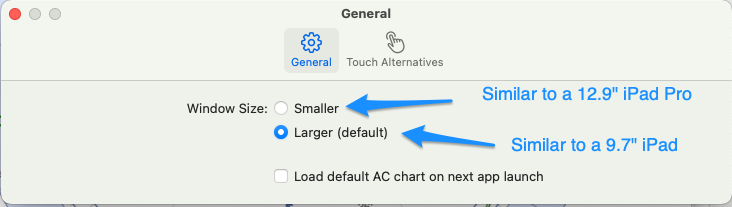
AC Mac settings – Window Size
Replaced by:
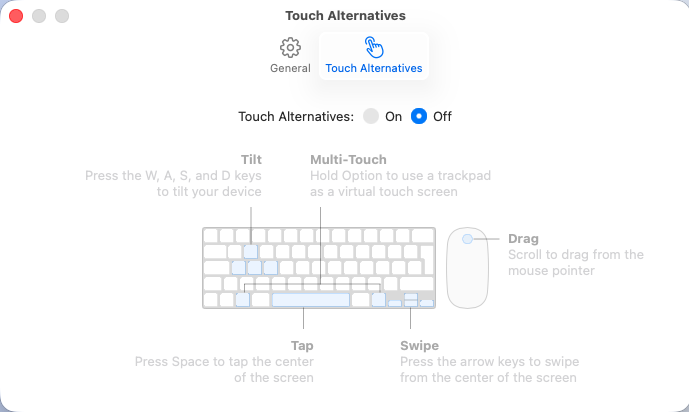
New Mac AC settings
Mac Printing/PDF – Screenshots
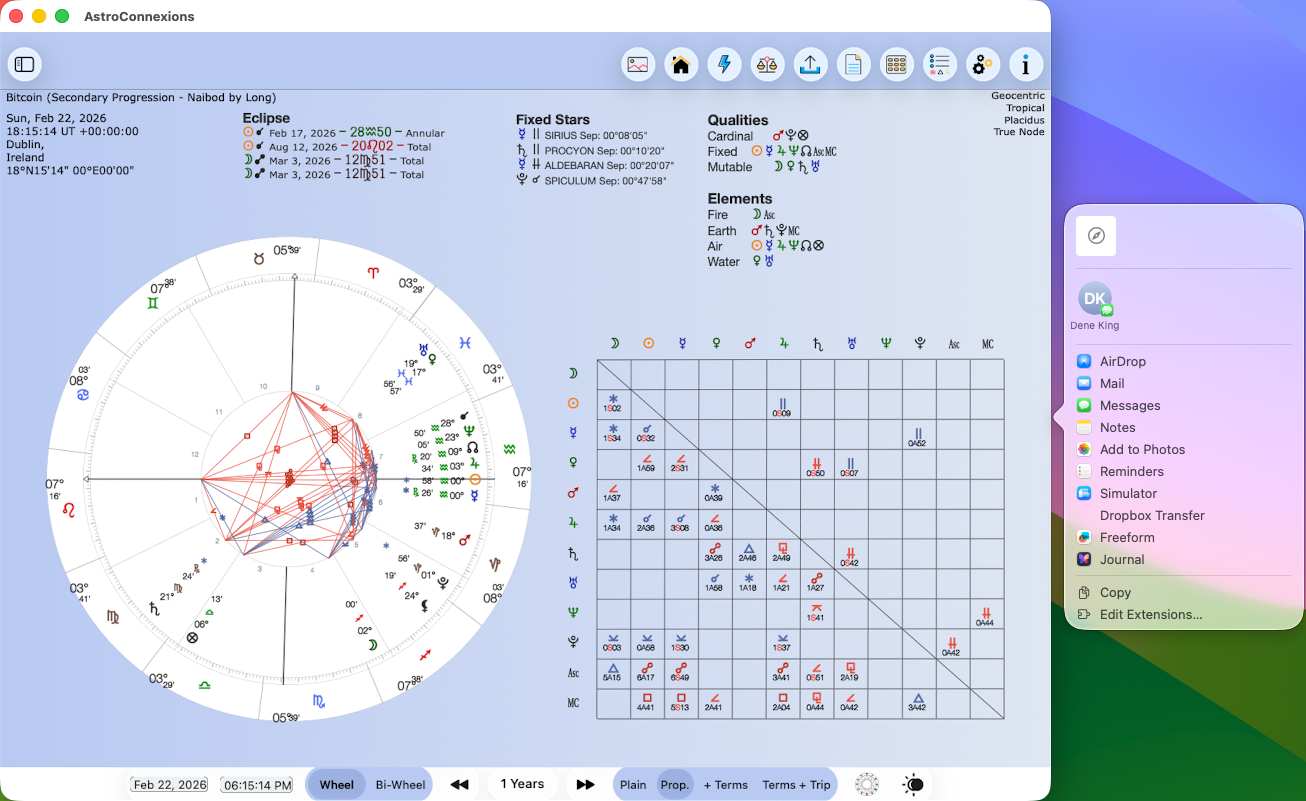
Mac Printing