

iPad mini with AC ver 4+ – portrait orientation, iPadOS 26+
Because the width of the iPad mini when in portrait orientation is very narrow the split view controller easily collapses – AC doesn’t crash. Unfortunately there’s an unfixable bug that means that AC is not 100% usable when this happens. No data is lost. It doesn’t seem at first that there’s a problem – there is.
Unfortunately Apple does not allow the developer to fix the width of the app. If it did this could be avoided.
A warning message is displayed explaining what to do. Close down AC and startup in landscape mode. Do not resize the window in portrait mode as this might cause the split view to collapse. See the screenshot below:
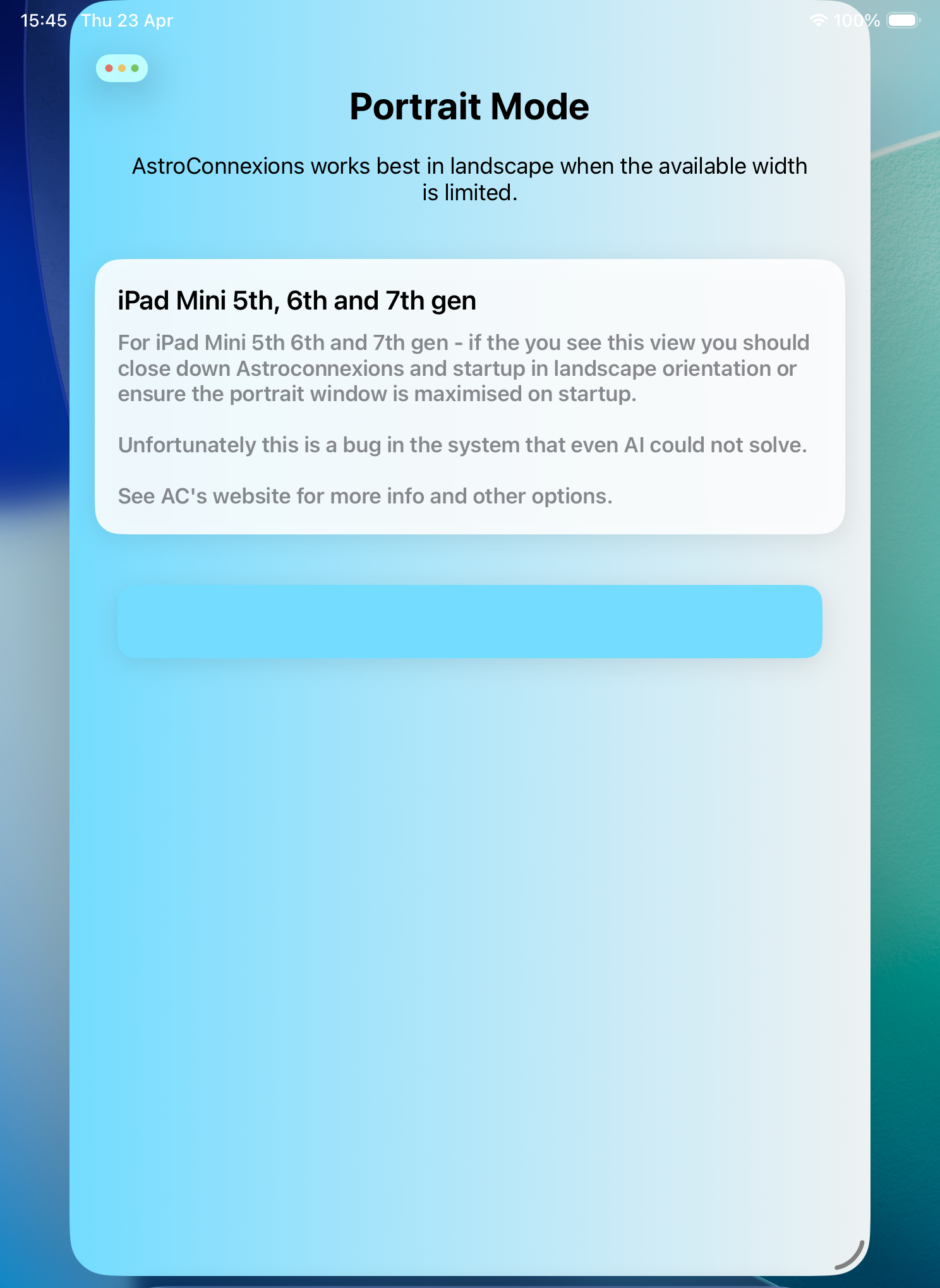
iPad Mini portrait restriction
How to mitigate this happening. Change to Full-Screen Apps when using AC. Or if using Windowed Apps avoid resizing the portrait window.
Please note. The Primary Directions view is not available for iPad mini, or 9.7″ iPads in portrait orientation – it’s too narrow to display properly. It’s still available in landscape orientation.
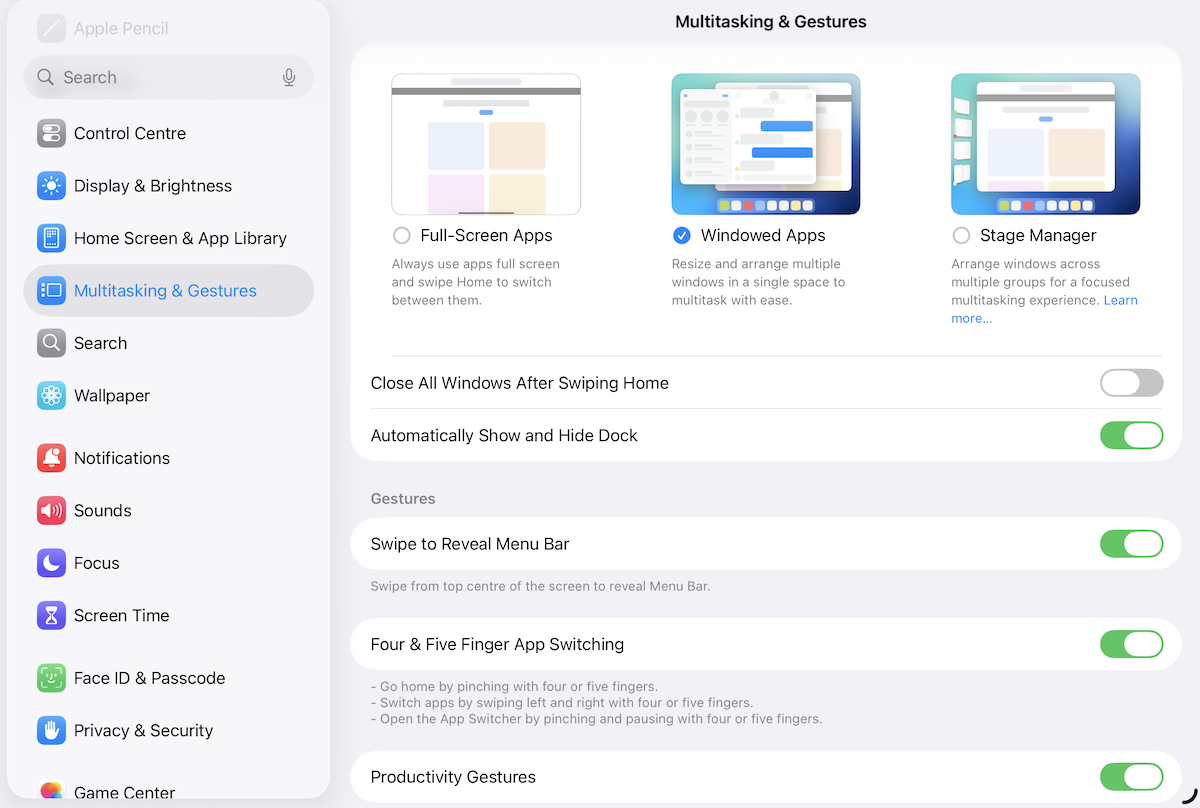
Multitasking iPad – settings